Build an ATS-Friendly Resume for Your First Big Opportunity
Turn your education, projects, internships, and skills into a clear professional resume. Start free, choose a layout, and export a polished PDF.
No design experience required. Your resume content remains editable in your account.
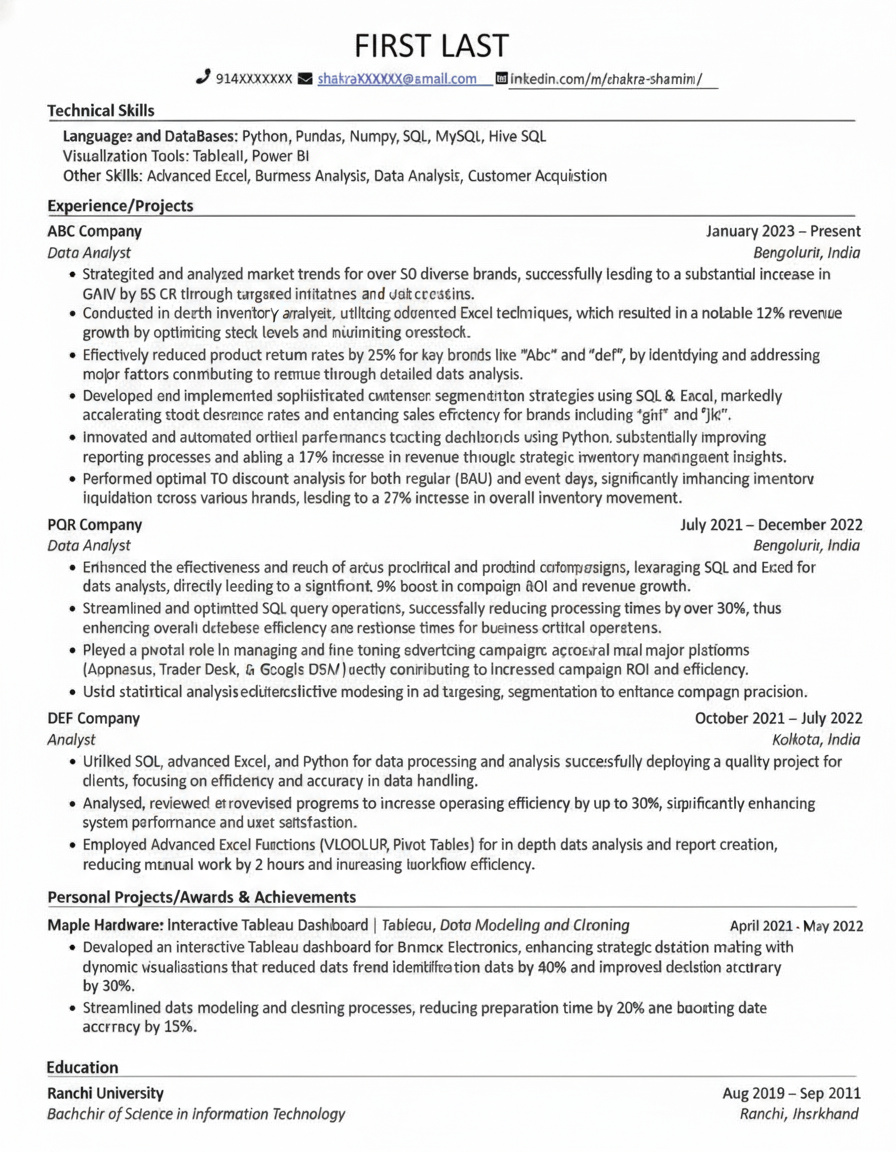
Why Choose PerfectResume?
Practical tools for turning early-career experience into a clear, readable resume.
Professional Templates
Modern and single-column templates with conventional headings and clear section structure.
Full Customization
Fine-tune every section, color, and layout — or start from scratch. Your resume, your way.
ATS-Optimized
Conventional sections and selectable text designed for straightforward extraction by common resume parsers.
Fast & Intuitive
A live editor with real-time preview. Go from blank page to polished PDF in minutes.
One-Click PDF Export
Export crisp, print-ready PDFs that look identical everywhere — no formatting surprises.
Private & Secure
Your data stays yours. Manage and store multiple resumes securely in your account.
How It Works
Three simple steps from a blank page to an application-ready resume.
Add your details
Enter your experience, skills, and education with guided, easy-to-follow fields.
Pick a template
Choose from professionally designed, ATS-friendly templates and customize the look.
Export & apply
Download a polished PDF and tailor it for each role before you apply.
Build Your Resume with Confidence
PerfectResume keeps the writing and formatting workflow clear and manageable.
- Easy-to-use, guided editor
- Real-time preview of every change
- Save and manage multiple resumes
- Professional, customizable templates
- Mobile-friendly, edit anywhere
- ATS keyword-friendly formatting
Polished, recruiter-ready resumes
Built for Early-Career Resumes
Focus on the evidence you do have: projects, internships, coursework, skills, and measurable outcomes.
Projects become evidence
Describe what you built, the tools you used, and the result instead of leaving experience blank.
Parsing-aware layout
Use the single-column option when straightforward text extraction is your top priority.
Tailor every application
Keep multiple resume versions so each one can match the role, keywords, and required skills.
Latest Career Tips
Practical resume, ATS, and job search guides from the PerfectResume editorial team.

Resume Builder Plans: A Cost Guide for Indian Freshers
Choose a resume builder without surprise costs. Check exports, billing terms, ATS readability, and whether a paid plan fits your fresher job search.

ATS Perfect Resume: Keyword Optimisation for Freshers
Learn how freshers can map job-description keywords to truthful project evidence, optimise each resume section, and test the final file before applying.

Fresher Resume with No Experience: 2026 Writing Guide
No internships and no job experience? This guide shows Indian freshers how to turn projects, skills and coursework into a one-page resume that gets shortlisted.
Frequently Asked Questions
Everything you need to know about building your resume.
Is PerfectResume free to use?
Yes — you can start building your resume for free. You only pay when you're ready to unlock premium exports and features.
Are the resumes ATS-friendly?
PerfectResume uses conventional section headings and selectable text. For the most conservative parsing choice, use the single-column Classic template and always follow the employer's requested file format.
Can I export my resume as a PDF?
Yes. You can export a crisp, print-ready PDF with one click, and it will look identical across every device and printer.
Can I create more than one resume?
Yes. You can build, save, and manage multiple resumes tailored to different roles from your dashboard.
Land Your Dream Internship
Get internship resources, job search tips, resume guidance, and interview prep strategies delivered to your inbox.